

Canvas Print Quality: 7 Checks and Pixel Targets Before You Buy
A high quality canvas print nails three things: true to file color, archival inks and substrate, and a sturdy, tight build with real bracing. Color accuracy matters because a print that drifts from your file ruins the image before it even reaches the wall. Archival materials matter because they decide whether the piece still looks good in a decade, and tight construction matters because a slack canvas sags, warps, and ages badly no matter how good the ink is. File resolution is your fastest gatekeeper, and both Sense Canvas guidance and the Library of Congress back the same preservation logic.
TL;DR:
- Use 3,000 to 5,400 pixels on the long edge for medium canvases; 150 to 200 PPI can suffice when viewers stand several feet away.
- Canvases larger than 24 inches on a side need center bracing; check that the face springs back, corners lie flat, and staples sit flush.
- Choose archival inks made with pigment and cotton or cotton blend canvas for work meant to last, and limit light exposure while avoiding humidity swings.
- Before a large order, request a soft or printed proof with human review; color management and cropping checks can catch issues automated checks miss.
- Reserve archival materials for art intended to last, client or gallery delivery, or resale; budget prints suit rentals, casual decor, and short term displays.
Table of Contents
- What makes a canvas print high quality: the buyer’s checklist
- Resolution and file prep: exact pixel targets, DPI guidance, and proofs
- Materials and inks: choosing canvas substrate and ink technology
- Stretching, framing, and finishing: construction that keeps prints flat and true
- Proofing, packaging, and post-order checks: quality controls that protect the print
- How Sense Canvas applies these standards
- When to prioritize archival quality vs budget prints
- Sense Canvas: an option for reliable, customizable canvas prints
- FAQ
- Sources
What makes a canvas print high quality: the buyer’s checklist
Judging a canvas print comes down to seven axes, and each one fails silently if you only glance at a thumbnail online.
- Color accuracy: the print should match your file’s hues and contrast, not a shifted or washed-out version of it.
- Substrate: the canvas weave and weight affect texture, color absorption, and how long the piece holds up.
- Inks: pigment-based archival inks resist fading far longer than dye-based alternatives.
- Stretcher and frame build: the wooden bars underneath need to be square, rigid, and properly braced.
- Finish and edges: wrapped corners should be clean, not bunched or mirrored.
- Packaging and shipping: corner protection and a rigid outer box prevent dents and punctures in transit.
- Care: display conditions determine whether the first five points hold up over years, not just the first unboxing.
A simple two-distance test catches most problems: stand close and check for pixelation, banding, or color haloing around edges, then step back a few feet and see if the image reads sharp and balanced as a whole. Flip or ask for a photo of the back to check staple patterns and corner folds; messy, uneven stapling usually signals a rushed stretch job.
These axes depend on each other. Archival ink on a sagging stretcher still looks poor once the canvas goes slack, and a tight, well-built frame can’t fix flat, inaccurate color. Quality only shows up when every axis holds.
Resolution and file prep: exact pixel targets, DPI guidance, and proofs
Pixels, DPI, and PPI get used interchangeably, but they mean different things. Pixels are the actual data in your file, DPI (dots per inch) refers to printer output, and PPI (pixels per inch) describes how densely those pixels are packed into your chosen print size. A file with too few pixels for its target size prints soft or blocky no matter how good the printer is.
Rough pixel targets for common canvas sizes:
- Small (8x10 to 12x16 inches): aim for 1,800 to 3,600 pixels on the long edge.
- Medium (16x20 to 24x36 inches): aim for 3,000 to 5,400 pixels on the long edge.
- Large (30x40 inches): aim for 4,500 to 6,000 pixels on the long edge.
- Very large (36x48 inches and up): aim for 5,400 pixels or more on the long edge.
Many print services treat 300 DPI as the minimum for crisp detail, but 150 to 200 PPI often reads fine on large canvases meant to be viewed from several feet away, since the eye can’t resolve the same detail at distance that it would up close.
Pro Tip: If your image falls short of the target resolution, crop tighter to the focal subject, choose a smaller print size, or apply light selective sharpening before you order.
Ask for a soft proof (an on-screen preview with color management applied) or a hard proof (a printed sample) before a large order. ICC profiles and a human review step catch resolution and color problems that automated checks miss, and a PDF proof step is one of the simplest ways to avoid a surprise on arrival.

Materials and inks: choosing canvas substrate and ink technology
Canvas substrate shapes both look and lifespan. Poly-cotton blends are stiffer and more resistant to stretching over time, which can help with very large pieces, though they sometimes render color with slightly less warmth.
- Priming matters as much as the weave: a heavier primer coat boosts color saturation and holds fine detail better than a thin or uneven base.
- Pigmented archival inks resist fading far longer than dye-based inks, which break down faster under light exposure.
- A print built on the right substrate and ink combination still needs the right display conditions to earn its archival label.
Preservation guidance from the Library of Congress recommends limiting long-term light exposure and keeping prints away from humidity swings, the same principles that protect canvas art hung in a living room or office.
Stretching, framing, and finishing: construction that keeps prints flat and true
The stretcher bars underneath a canvas do most of the invisible work. Standard depths run around 0.75 to 1.5 inches, with gallery-style wraps often built deeper for a bolder shadow line off the wall. Larger canvases, generally anything past 24 inches on a side, need center bracing in addition to corner joints, or the canvas face will bow inward over time.
Edge finishes vary: a standard gallery wrap folds the image around the sides, a mirror wrap repeats the edge pixels, and a float frame leaves a thin gap around the printed face for a more gallery-like presentation. Heavier, more detailed pieces often look better floated rather than wrapped.
To check build quality from photos or on delivery:
- Press gently on the center of the canvas face and confirm it springs back without sagging.
- Check that all four corners are mitered cleanly, not bunched or overlapping.
- Look for a visible center brace on anything over roughly two feet wide.
- Run a finger along the back edge to confirm staples are flush, not protruding.
Proofing, packaging, and post-order checks: quality controls that protect the print
A free proof step, with a real person reviewing color and cropping before printing, signals a provider that stands behind the result rather than running files through automated output alone. ICC profile handling at this stage catches color shifts before they become a finished product.
Packaging tells its own story. Rigid corner protectors, a snug cardboard wrap, and taped edges are the baseline for transit. Damage usually shows up as a dented corner, a bowed stretcher bar, or a crushed box corner, all signs the canvas lacked proper bracing inside the package.
- Ask whether a soft or hard proof is available before the order goes to print.
- Ask what the reprint or return policy covers if color or build falls short.
- Ask whether hanging hardware ships pre-installed.
Pro Tip: Save your proof approval email or message. It’s your reference point if the finished print doesn’t match what you signed off on. A detailed walkthrough of proof approval steps applies the same logic across custom print orders generally.
How Sense Canvas applies these standards
We built our size-by-size resolution guidance around the same 150 to 300 PPI range printers rely on, so you can check a file against your chosen canvas size before ordering rather than after.
- We detail wrap, edge, and finish choices in our photo wrap guide so you can pick the right look for the piece.
- We cover display and care in our canvas care guide, including light exposure and handling.
- We explain what to verify before paying for giclée-style printing in our guide to archival proofs.
When to prioritize archival quality vs budget prints
Choose archival-grade materials for art meant to last for years, for client or gallery delivery, or for anything you might resell. Budget prints work fine for casual décor, rentals, or short-term displays where a shorter lifespan is an acceptable trade for a lower price. The honest rule: match the print’s materials to how long you actually expect it to hang.
— Sense
Sense Canvas: an option for reliable, customizable canvas prints
We offer a wide variety of artworks across styles like abstract, animal, motivational, and personalized family pieces, with sizes customizable to your wall. Current prices and shipping details are available on our website.
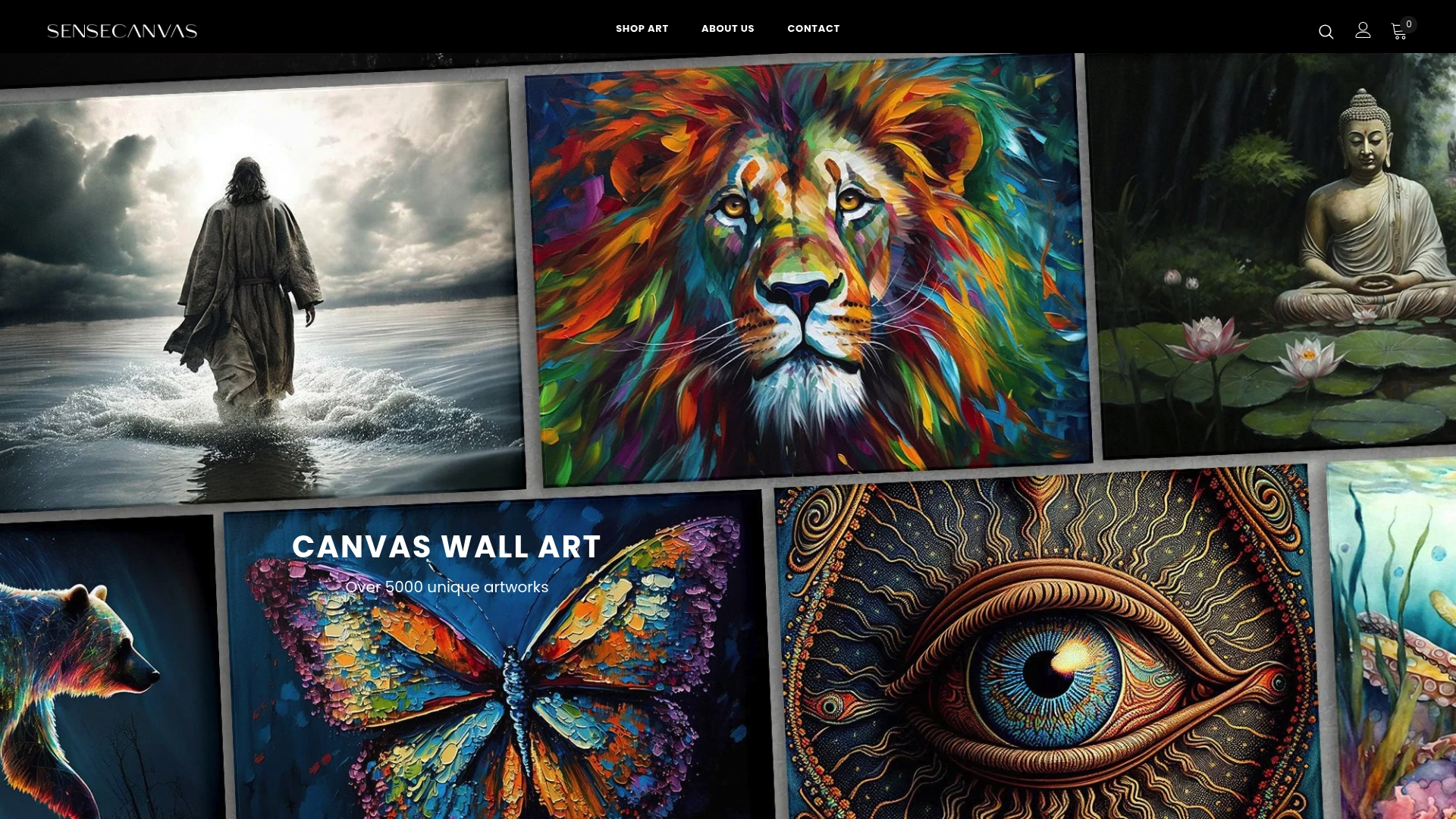
Run your file against the resolution targets above, request a proof if you’re ordering a large piece, and browse our canvas wall art collection to find a design that fits your space before you check out.
FAQ
What is the highest quality art print?
Giclée prints using pigment-based archival inks on cotton or cotton-blend canvas are generally considered the highest quality option for color depth and longevity. The print still depends on starting file resolution and a tight, well-braced stretch, since even archival ink can’t fix a soft or low-resolution image.
How is the quality of drugstore or retail canvas prints?
Retail and drugstore canvas prints vary widely and often use thinner canvas with lighter bracing, which can lead to sagging over time. Checking corner construction and requesting a proof, where available, helps confirm quality before committing to a larger order.
Do canvas prints need to be framed?
No, most canvas prints are stretched over wooden bars and finished with wrapped or mirrored edges, so they hang ready-made without an additional frame. A float frame is an optional finish some buyers choose for a more gallery-style presentation rather than a requirement.
Does Canva produce good print quality?
Print quality through Canva depends mainly on the resolution of the image you upload, since Canva’s own guidance recommends 300 DPI as the minimum for sharp results. Using a PDF proof before finalizing an order catches resolution or layout issues ahead of time.


